 Marketing in Beta
The Workflow Starter Kit
One idea, a week of content. Turn a single idea into posts, a carousel, an email and a faceless Reel script, all in your voice.
Secure checkout · Instant access by email · PDF guide + spreadsheet + slide templates
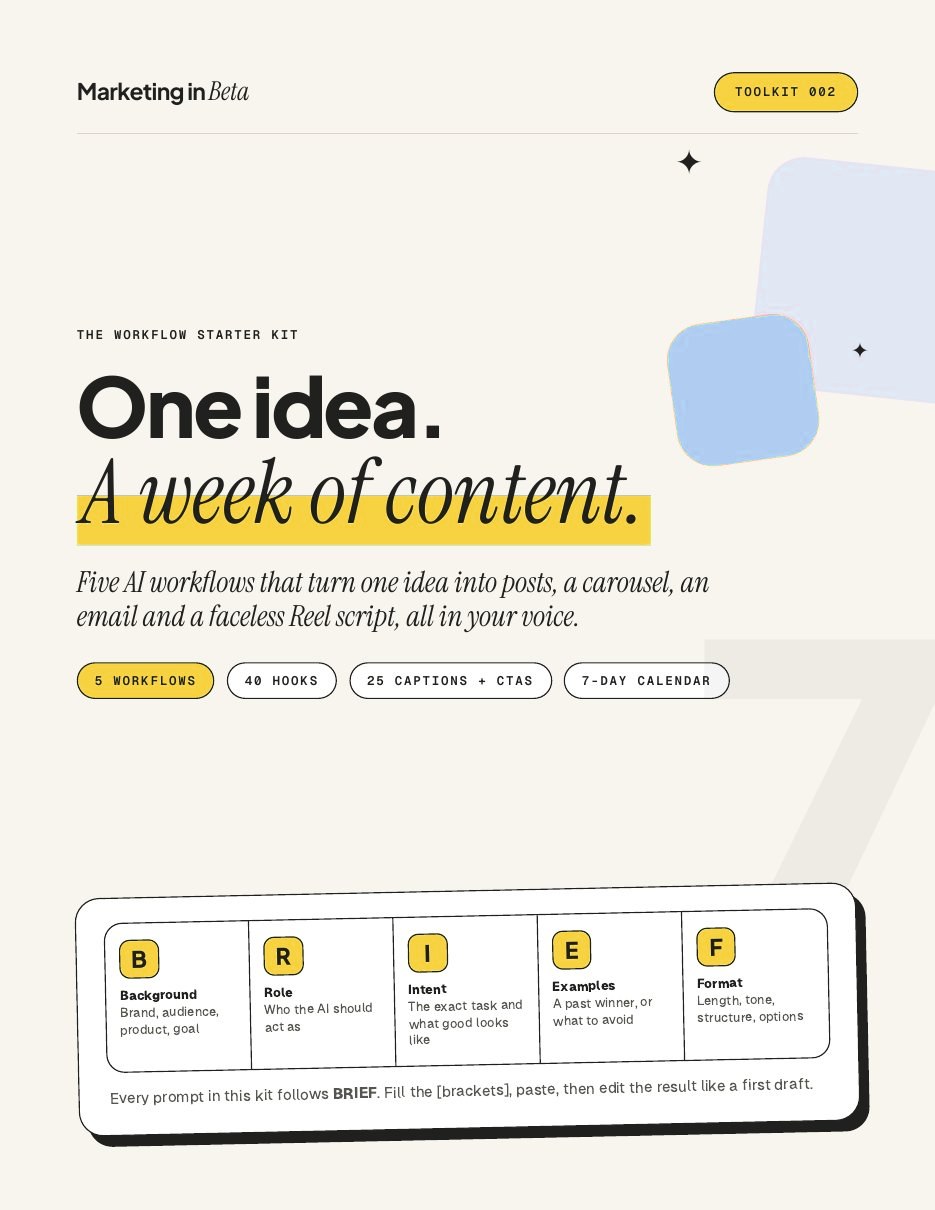
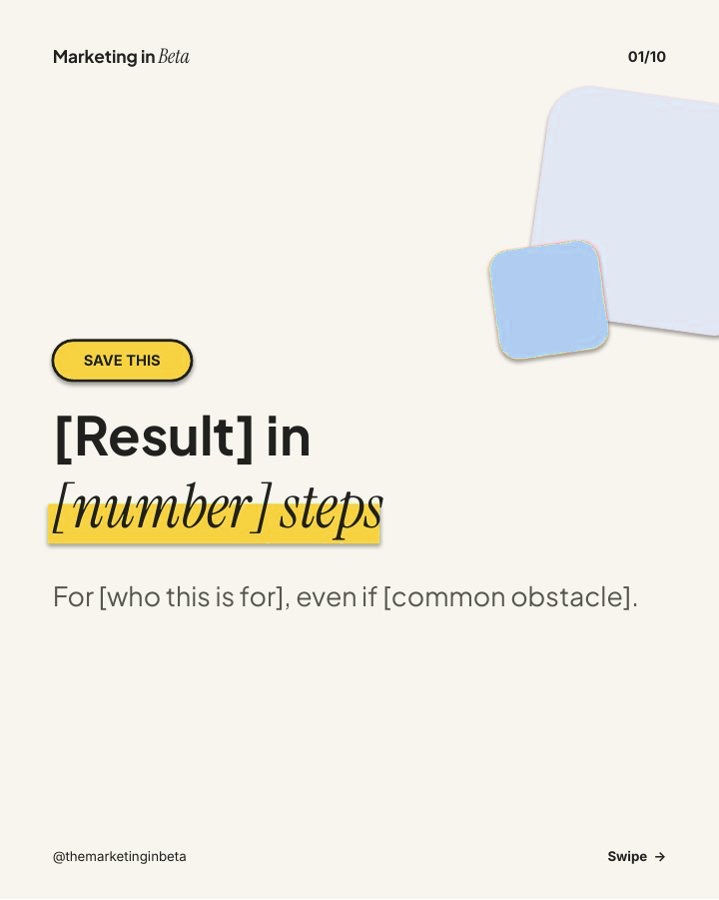
See exactly what you get.
These are the actual files, not mockups. Tap any preview to see it full size.
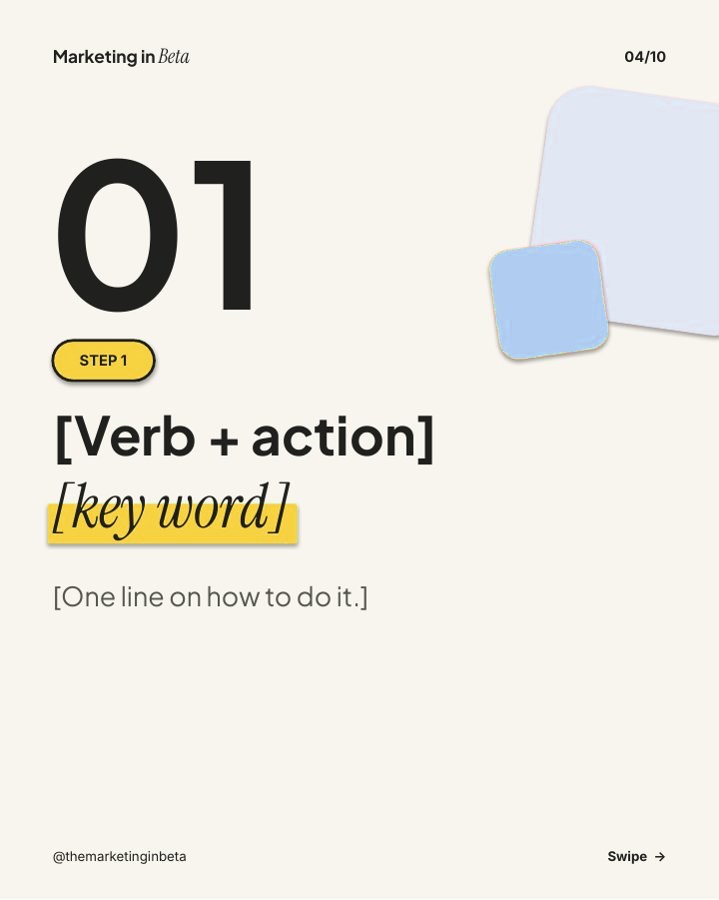
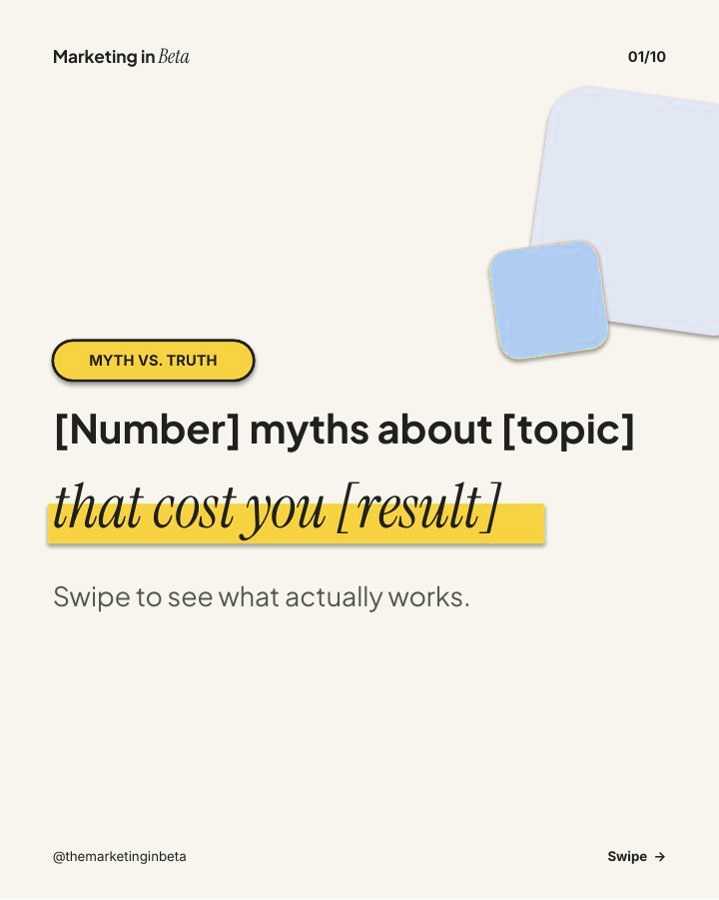
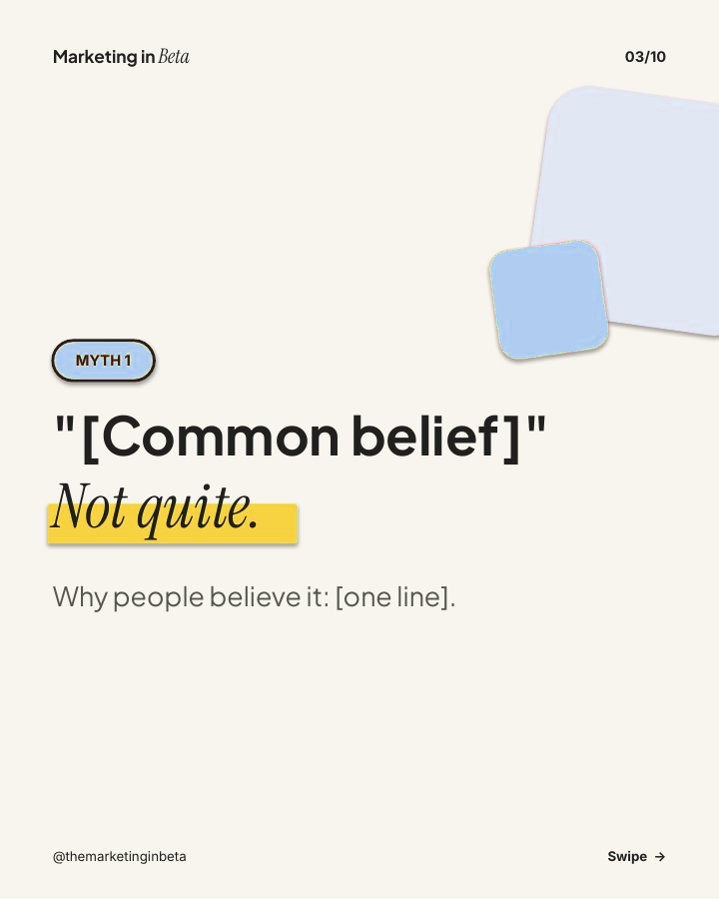
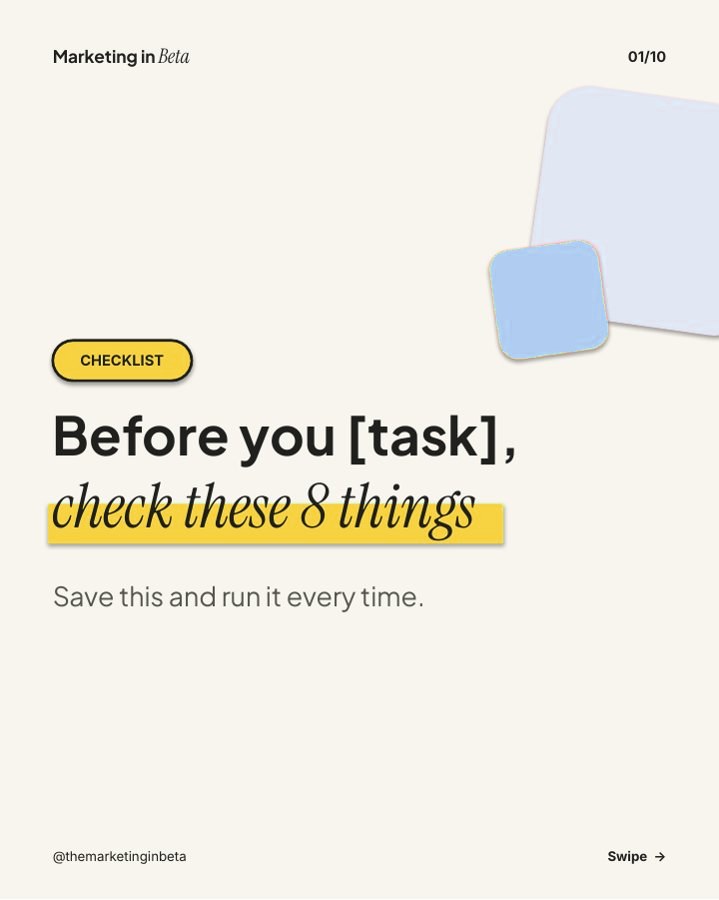
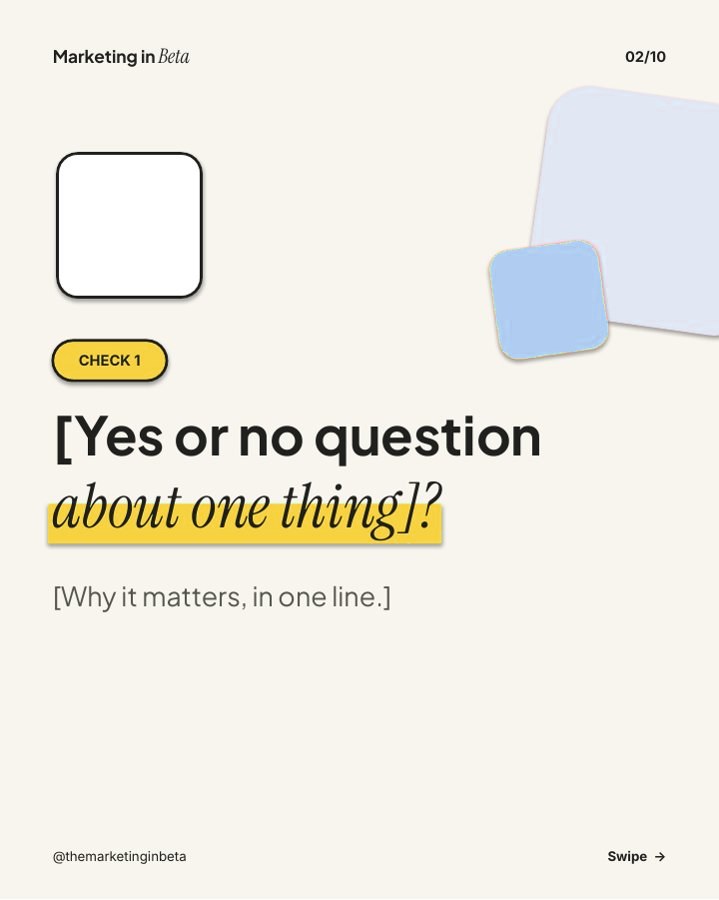
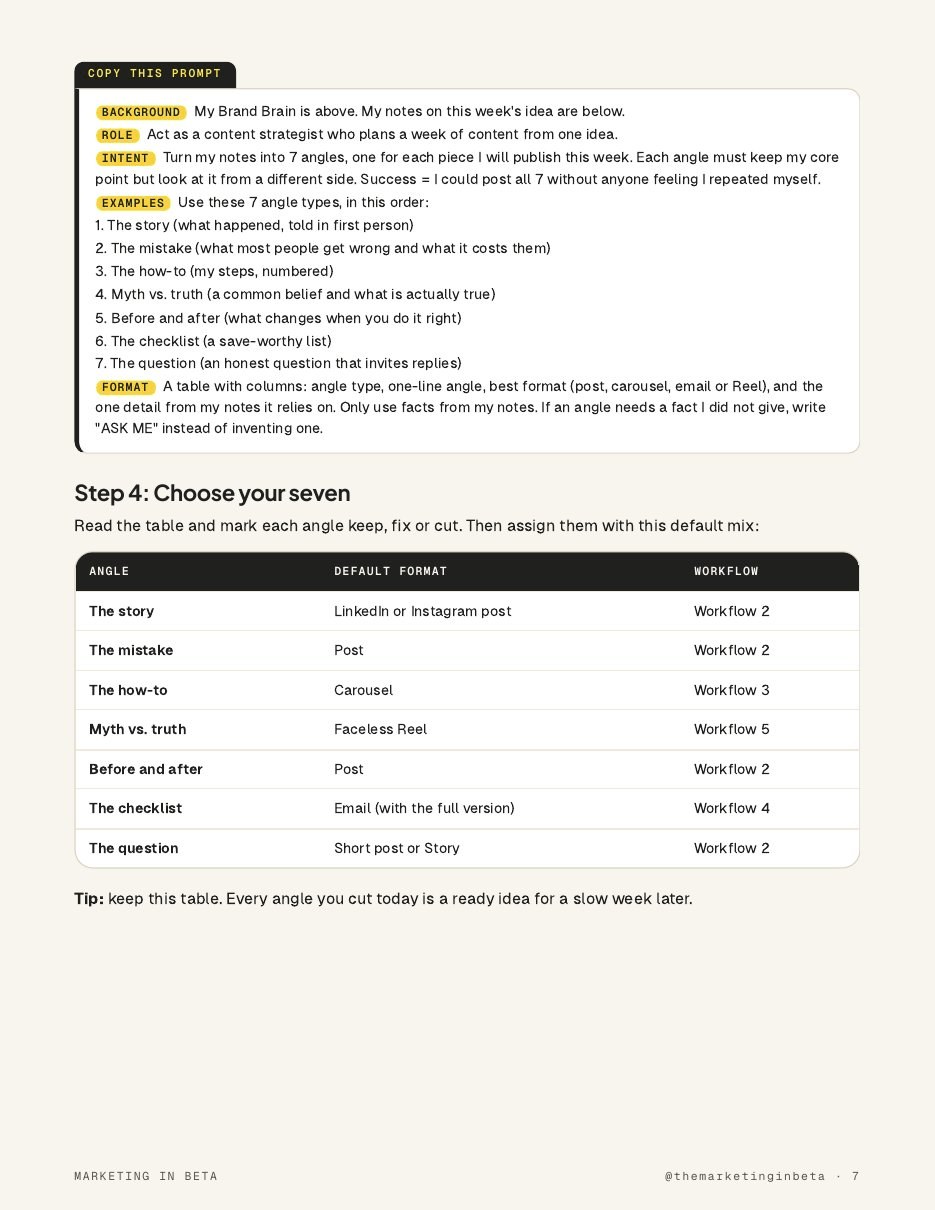
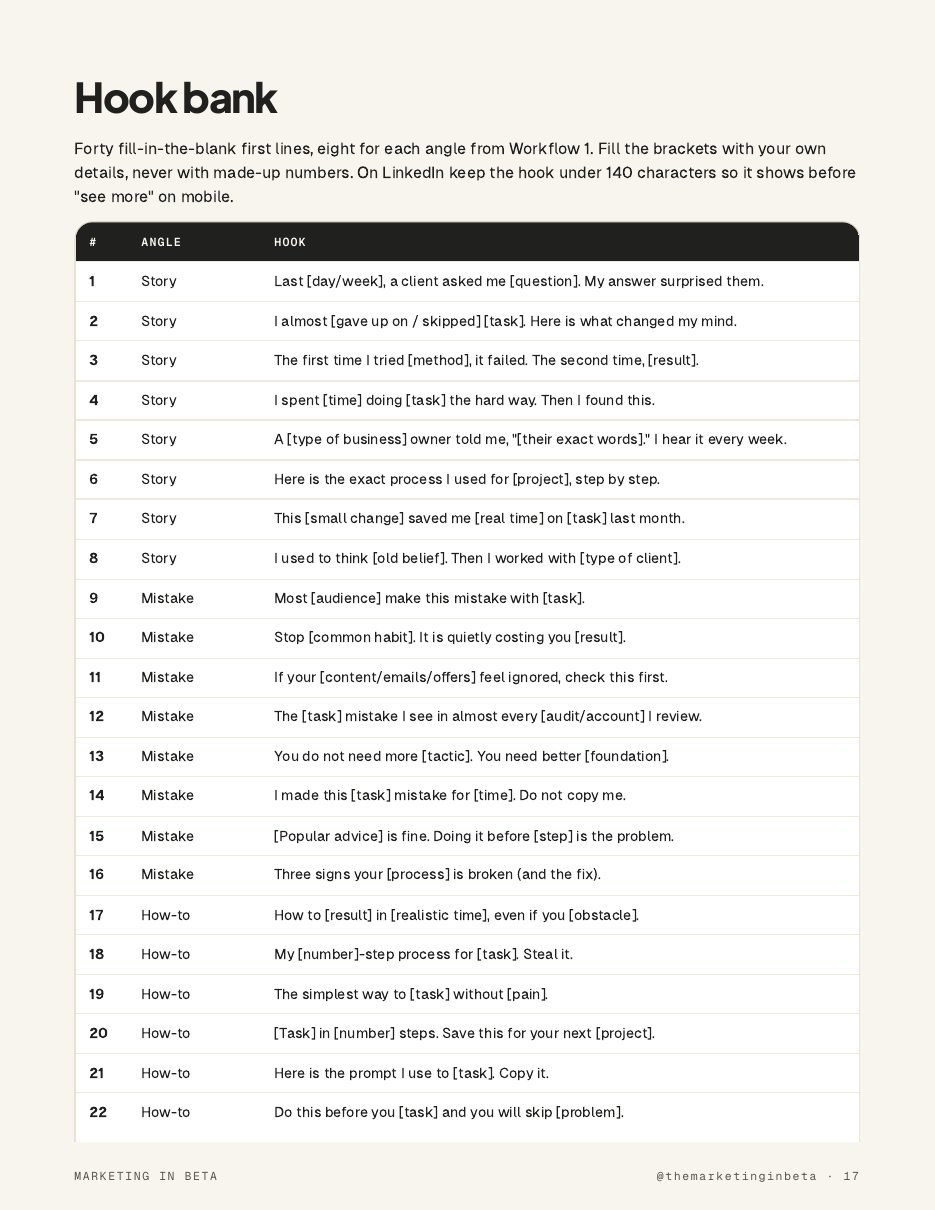
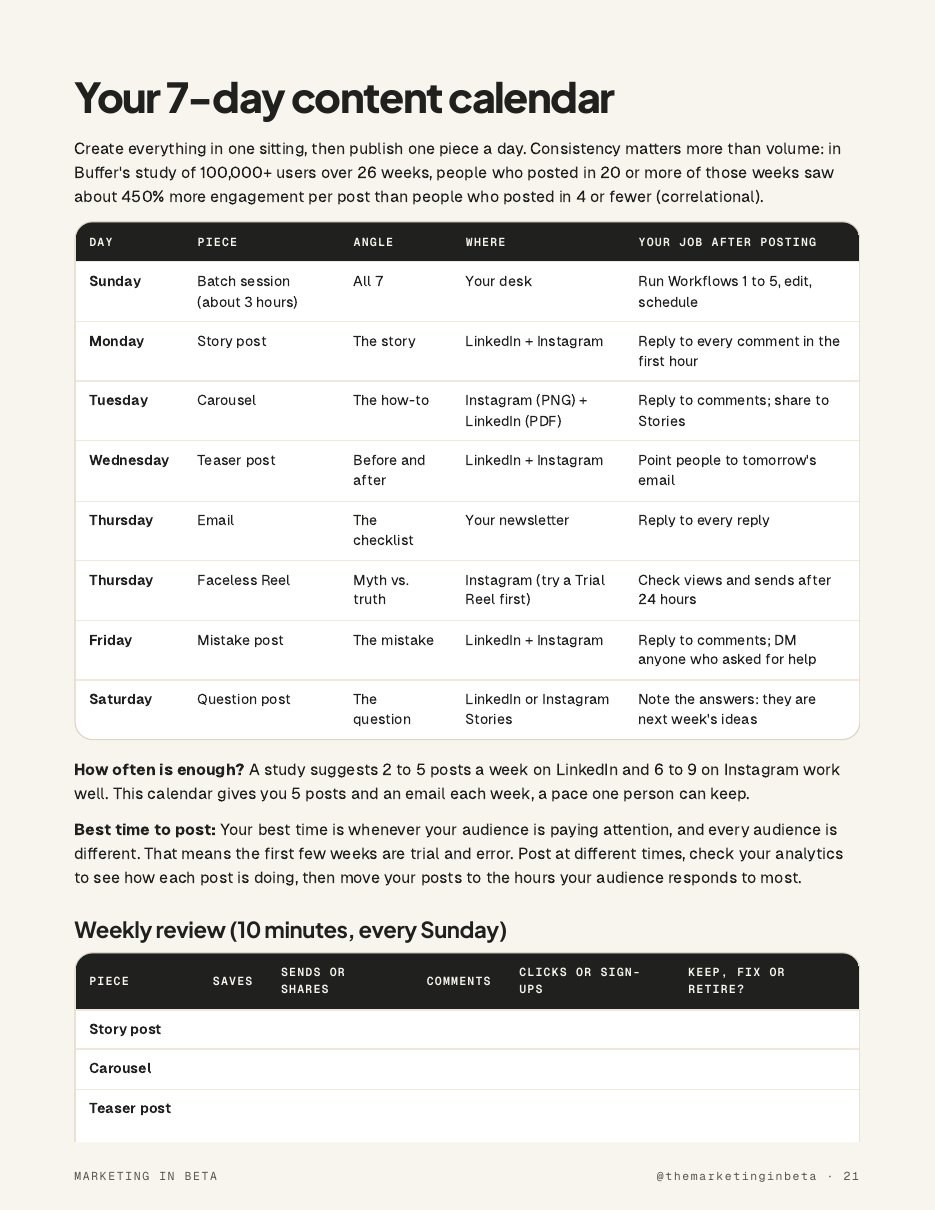
Everything in [brackets] is a placeholder for your own details.
From one idea to a full week.
What problem does the Workflow Starter Kit solve?
Every week starts from a blank page. This kit turns one idea into a full week of content in your voice, so you plan once and ship all week.
A complete system, not just prompts. Every prompt sits inside a guided workflow, so you always know what to do next:
- Set up your voice Fill in the Brand Brain once. Every prompt reads from it, so drafts sound like you.
- Plan the week Turn one idea into seven angles and assign each one to a post, carousel, email or Reel.
- Create with guidance Five workflows that feed each other, with what to paste, where, and what to do with the answer.
- Design, edit, ship Carousel templates, a human edit checklist and a 7-day calendar take it from draft to scheduled.
Everything you need to ship the week.
Turn one idea into seven angles, then into posts, a 10-slide carousel, an email and a faceless Reel script. Every workflow has copy-and-paste BRIEF prompts.
A one-page voice and audience file you fill once and paste into Claude, ChatGPT or Gemini, so every draft sounds like you.
Steps, Myth vs. truth and Checklist layouts, 10 slides each, with placeholder copy you swap for your own.
40 fill-in-the-blank first lines, sorted by angle: story, mistake, how-to, myth vs. truth and question.
10 caption frames plus 15 calls to action, from a soft conversation starter to a direct offer.
What to post each day and where, plus a 10-minute Sunday review that picks next week's idea.
A checklist and a review prompt that catch made-up claims and generic AI phrasing before anything goes live.
Good to know.
Do I need Canva?
No. The carousels are PowerPoint files that open free in Google Slides, and also in PowerPoint, Keynote or Canva.
Which AI tool do I need?
Any of them. The prompts are plain text and work in the free versions of Claude, ChatGPT or Gemini.
I am new to AI. Is this for me?
Yes. Each workflow tells you what to paste, where, and what to do with the answer.
Can I use it for client work?
Yes. Use it for your own business and for clients. Please don't resell or share the kit files.
Will it help me plan and create content consistently?
Yes. It gives you a clear, repeatable weekly system: one idea becomes a full week of posts, a carousel, an email and a Reel script, all in your voice. You will know exactly what to post, where and when, so you stay consistent and stop starting from a blank page.
Plan once. Ship all week.
Secure checkout · Instant access by email · PDF guide + spreadsheet + slide templates